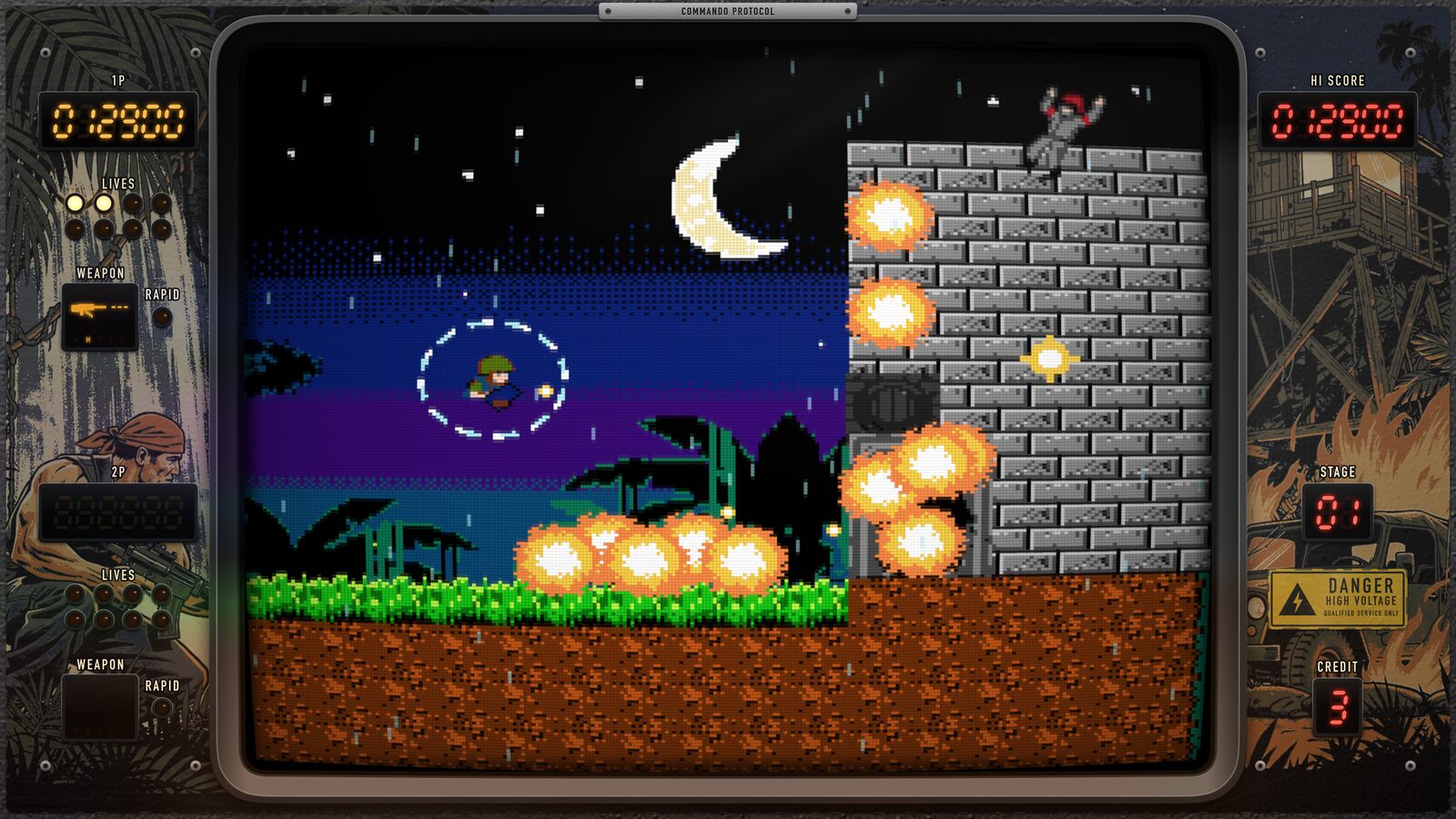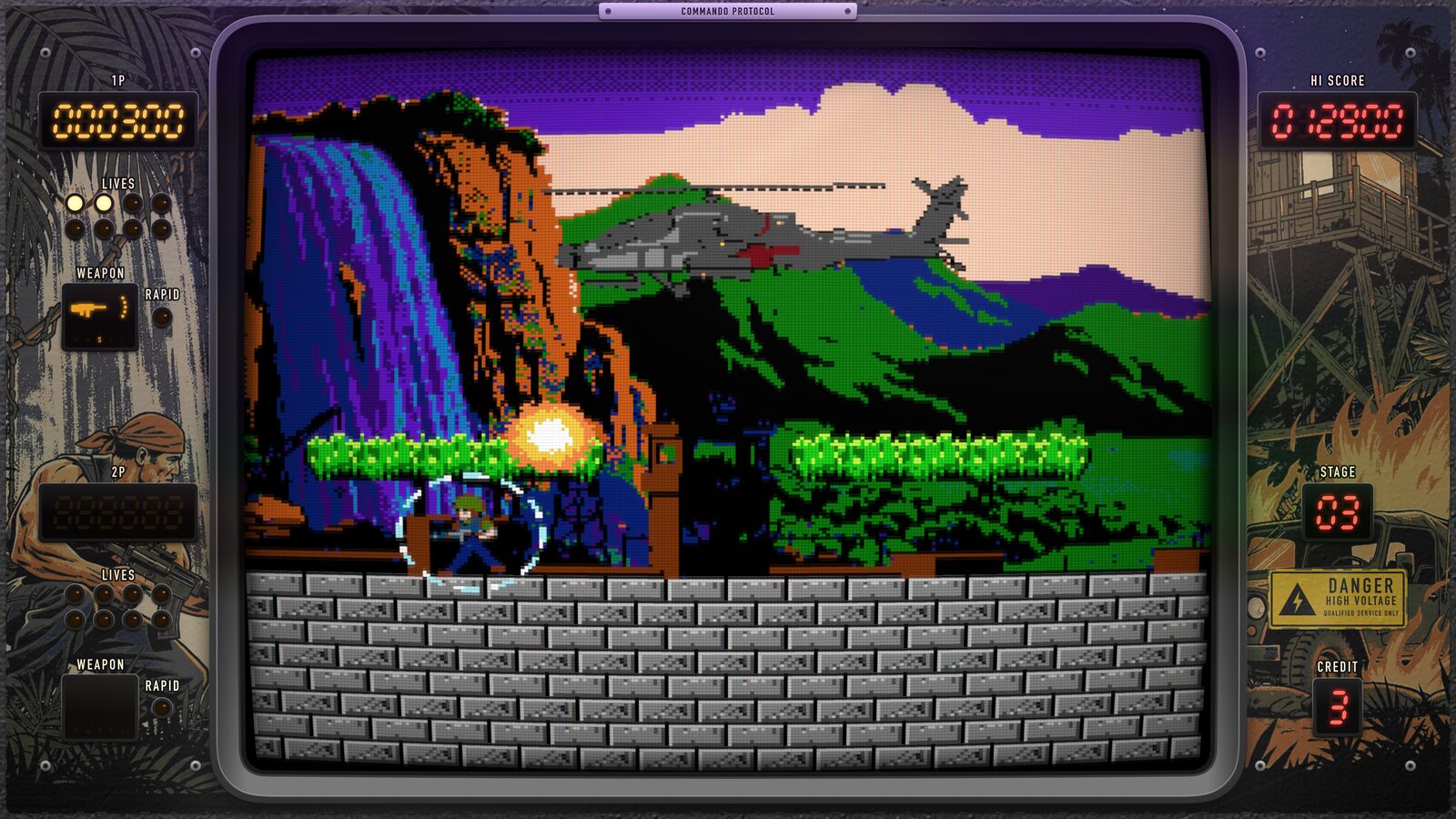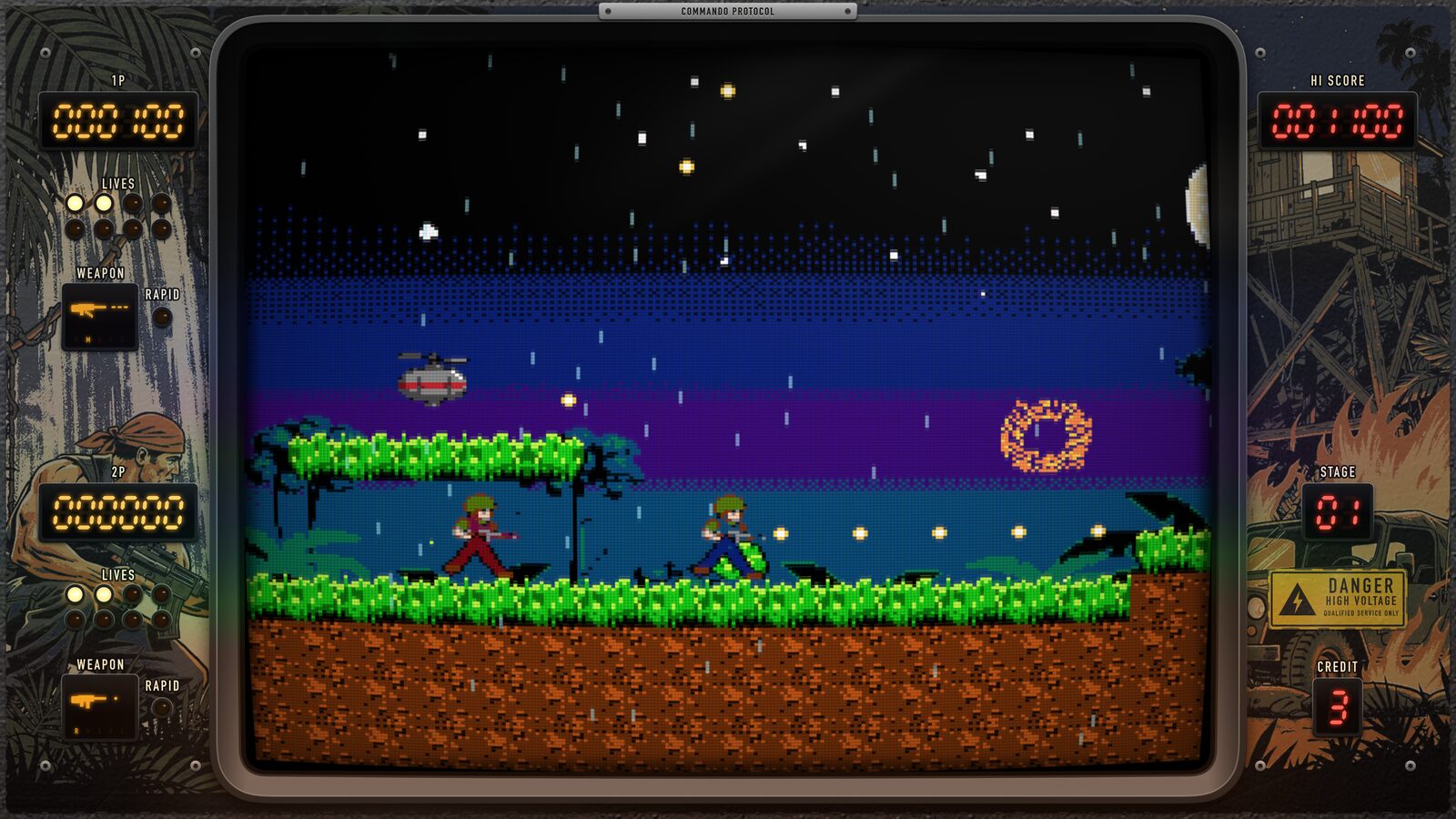
Privacy Policy
Effective date: 23 October 2026
Commando Protocol does not collect any data. We run no servers, and nothing you do in the game is ever sent to us.
What we collect
NOTHING
The game has no accounts of its own, no analytics, no advertising, no tracking and no third-party software development kits, and it never contacts any service operated by us. We do not collect, sell or share any personal information. The few things the game does online go through Apple's own services, described below – to Apple, or in an online game to your friend's device – and never to us.
Game Center
If you are signed in to Game Center on your Apple TV or iPhone, the game sends your score at the end of a game to its Game Center leaderboards, and the RECORDS menu shows them. Game Center is Apple's service: your score appears on the leaderboards under your Game Center name, as Game Center shows it to other players, and Apple handles it under the Apple Privacy Policy. We do not receive your Apple Account, your contacts or any other personal information. If you are not signed in, or turn Game Center off in Settings, nothing is sent and the game plays the same.
Online co-op
When you play ONLINE with a friend, your game and your friend's play the same stage together through Game Center, which connects the two devices directly or through Apple's relays. While you play, each game sends the other only what the two need to stay in step: the buttons its player presses, moment by moment; the cartridge, mission, stage and difficulty the host chose; the version of the game; and checksums of the game's state. Nothing of it is stored, and none of it reaches us. If your friend's game doesn't have the host's cartridge, it downloads it from the App Store for the game.
Friends are invited through Game Center's own screens – a Game Center friend, a contact, or SharePlay in a FaceTime call. Apple handles the invitation and shows each player's Game Center name to the other; the game never sees your contacts. There is no chat in the game. You can turn off multiplayer games, or adding friends, in your device's Screen Time settings under Game Center.
Cartridges, ONLINE CO-OP and the App Store
The game's missions come on cartridges. The list of cartridges out and any cartridge you download come from Apple's App Store servers, the same way the game itself does. A cartridge that is sold is bought through the App Store, and ONLINE CO-OP, which lets you host online games, is a subscription taken out through the App Store. Apple handles the payments and the renewals, and the game only asks the App Store which cartridges you own and whether your subscription is active. We never see your payment details or who you are.
What stays on your device
- The high score.
- The stages you have reached, so you can start from them.
- The cartridge, mission and difficulty you chose last.
- Your settings: the CRT look and the glass glare, music and sound effects, and on iPhone vibration and the touch control.
- The cartridges you have downloaded.
These are kept in the app's own storage on your Apple TV or iPhone. They are never sent to us and are removed when you delete the app.
Remotes, controllers and the touch screen
The game reads the buttons and touch surface of the Siri Remote, the Apple TV Remote on iPhone, game controllers and, on iPhone, the touch screen only to play. What you press is not recorded or stored; in an online game it goes to your friend's game as you play, and nowhere else.
Crash reports
If you have chosen to share analytics with app developers in your device's privacy settings, Apple may pass anonymous crash reports and usage statistics on to us. Apple collects these under the Apple Privacy Policy; they do not identify you, and you can turn them off at any time under Analytics & Improvements.
Children
The game contains no chat, no messaging, no user-generated content and no advertising. Its only links are on the ONLINE CO-OP subscription screen, to this page's privacy policy and terms of use. Online games are played only with friends a player invites, or whose invitation they accept, through Game Center. We do not knowingly collect personal information from anyone, including children.
Changes to this policy
If a later version ever handles any of your information differently, this page will be updated first, the effective date will change, and the App Store listing will say so.
Terms of Use
Effective date: 23 October 2026
Commando Protocol is licensed to you under Apple's standard Licensed Application End User License Agreement. These terms add what is particular to the game: its purchases, its subscription and its online play.
Cartridges
A cartridge sold in the game is a one-time purchase through the App Store. It is yours on every Apple TV and iPhone signed in to your Apple Account and, with Family Sharing, your family's. A cartridge on the shelf for a limited time stays yours after it leaves the shelf. If a purchase doesn't show, pick RESTORE PURCHASES on the cartridge shelf.
ONLINE CO-OP subscription
- What it gives: while it is active you can host online games: you and a friend play together, each on their own Apple TV or iPhone. Your friend joins free, without a subscription. With Family Sharing, your family can host too.
- Plans: monthly or yearly. The price of each is shown in the game and on the App Store before you subscribe, in your local currency.
- Free trial: if you have not subscribed before, the first three days are free. If you don't cancel before the trial ends, the subscription starts and the first period is charged.
- Payment: charged to your Apple Account when you confirm the purchase, or when the free trial ends.
- Renewal: the subscription renews automatically at the end of each period, at the same price, unless you cancel it at least 24 hours before the period ends. The renewal is charged within the 24 hours before the period ends.
- Managing and cancelling: in your Apple Account's subscription settings – on iPhone in Settings, under your name, Subscriptions; on Apple TV in Settings, Users and Accounts, your account, Subscriptions. Cancelling stops the next renewal; the subscription stays active until the end of the period you paid for.
- Refunds are Apple's to give, at reportaproblem.apple.com.
Online play
Online games need Game Center, an internet connection, and the same version of the game on both devices. They are played through Apple's services, not servers of ours, so we can't promise they are always available. Play with people you know. We may change or improve online play, the cartridges and the game in later versions.
Questions
Support
Commando Protocol is made by Dalis Polikhranidi. For questions, bug reports or suggestions, write to:
d.polikhranidi+commandoprotocol@gmail.com
If you are reporting a problem, please include your device (which Apple TV or iPhone), its tvOS or iOS version and what you were playing with (Siri Remote, iPhone remote, touch screen, or which game controller).
How to play
Siri Remote
- Hold it sideways, the clickpad on the left.
- Click the ring to run and aim in 8 directions.
- Click the middle to jump; hold down and jump to drop through a ledge.
- Play/Pause fires. Back pauses.
iPhone remote & 1st-gen Siri Remote
- Hold it sideways.
- Slide a finger on the touch surface to run and aim.
- Tap to jump, then keep steering in the air.
- Play/Pause fires. Back pauses.
Game controller
- D-pad or left stick: run and aim.
- A jumps, B or X fires.
- Menu pauses.
iPhone
- Upright or sideways: the thumbstick runs and aims in 8 directions – or the cross pad, if you pick it in SETTINGS, CONTROLS.
- A jumps, B fires; hold down and jump to drop through a ledge.
- The pause key pauses. A game controller works on iPhone too.
Two players on Apple TV
- Pick PLAYERS 2 on the menu, or press fire twice on a second controller during a stage to join.
- Each player has their own lives and score.
- The pause menu's LEAVE lets either player drop out.
Frequently asked
It's hard. It's meant to be: the game follows the arcade classics. Try the easier difficulty on the menu, collect the barrier, and use the checkpoints – after a game over you can continue from the stage you reached.
Two controllers move the same player. Each remote or controller is its own player. The first one to press a button on the title screen is player 1, the next one is player 2.
The Siri Remote responds late, or misses a direction. The ring reads where your thumb rests on its touch surface, so a damp hand or a smudged surface can make it miss: dry your hand and wipe the remote. If it still lags, quit the game from the app switcher and start it again – or play with a game controller.
The picture looks too soft, or too sharp. Turn the CRT look and the glass glare on or off in SETTINGS – the menu's last line, or the pause menu's. (On an iPhone's own screen, an LCD, there are neither.)
The music, the sound effects or the vibration. Each can be turned off in SETTINGS; on iPhone it also switches between the thumbstick and the cross pad.
Will there be more missions? Yes. The game's missions come on cartridges, and new cartridges are added from time to time. They appear on the menu's CARTRIDGE shelf, with no update of the game needed.
Where are the high scores? Signed in to Game Center, pick RECORDS on the menu: one high score table across all missions, at each difficulty.
Requirements. Apple TV with tvOS 26 or later and a Siri Remote, the Apple TV Remote on iPhone or a game controller; or iPhone with iOS 26 or later.